以下是onlyoffice.yml 的labes部分:
services:
  onlyoffice:
    image: ${ONLYOFFICE_IMAGE:-onlyoffice/documentserver:latest}
    restart: unless-stopped
    container_name: seafile-oods
    environment:
      #- DB_TYPE=${DB_TYPE:-mariadb}
      #- DB_HOST=${SEAFILE_MYSQL_DB_HOST:-db}
      #- DB_USER=${SEAFILE_MYSQL_DB_USER:-seafile}
      #- DB_PWD=${SEAFILE_MYSQL_DB_PASSWORD:?Variable is not set or empty}
      - JWT_ENABLED=true
      - JWT_SECRET=${ONLYOFFICE_JWT_SECRET:?Variable is not set or empty}
    volumes:
      - ${ONLYOFFICE_VOLUME:-/opt/onlyoffice}/logs:/var/log/onlyoffice
      - ${ONLYOFFICE_VOLUME:-/opt/onlyoffice}/data:/var/www/onlyoffice/Data
      - ${ONLYOFFICE_VOLUME:-/opt/onlyoffice}/lib:/var/lib/onlyoffice
    labels:
      #caddy: ${SEAFILE_SERVER_PROTOCOL:-http}://${SEAFILE_SERVER_HOSTNAME:?Variable is not set or empty}
      caddy.@ws.1_header: "Connection *Upgrade*"
      caddy.@ws.2_header: "Upgrade websocket"
      caddy.reverse_proxy: "@ws {{upstreams 80}}"
      caddy.handle_path: "/oods/*"
      #caddy.1_handle_path.rewrite: "* {uri}"
      caddy.2_handle_path.reverse_proxy: "{{upstreams 80}}"

      ## reverse_proxy headers
      caddy.2_header.Host: "{host}"
      caddy.2_header.X-Real-IP: "{remote_host}"
      caddy.2_header.X-Forwarded-Host: "{host}:8020/oods"
      caddy.2_header.X-Forwarded-For: "{remote_host}"
      caddy.2_header.X-Forwarded-Proto: "{scheme}"
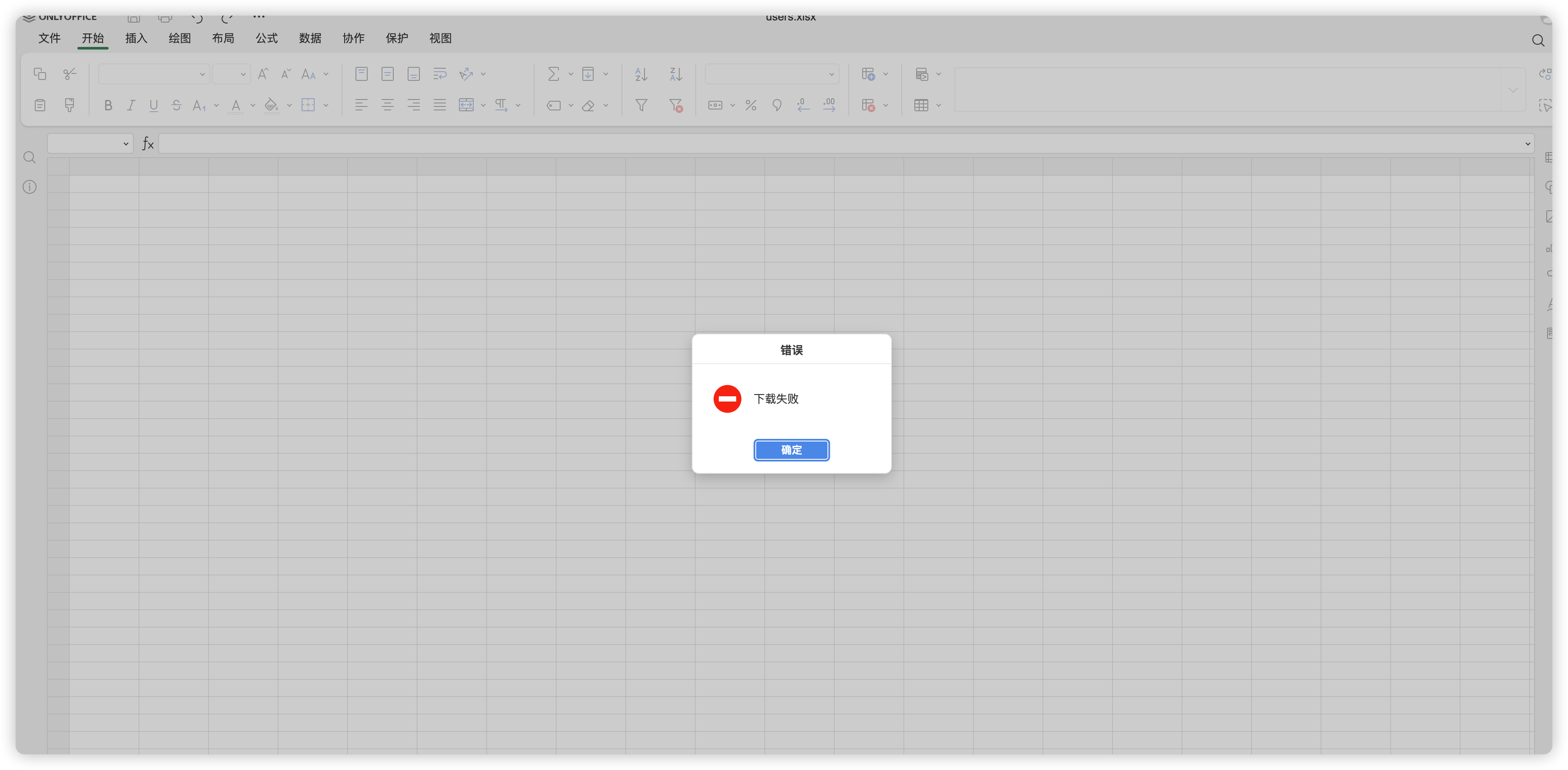
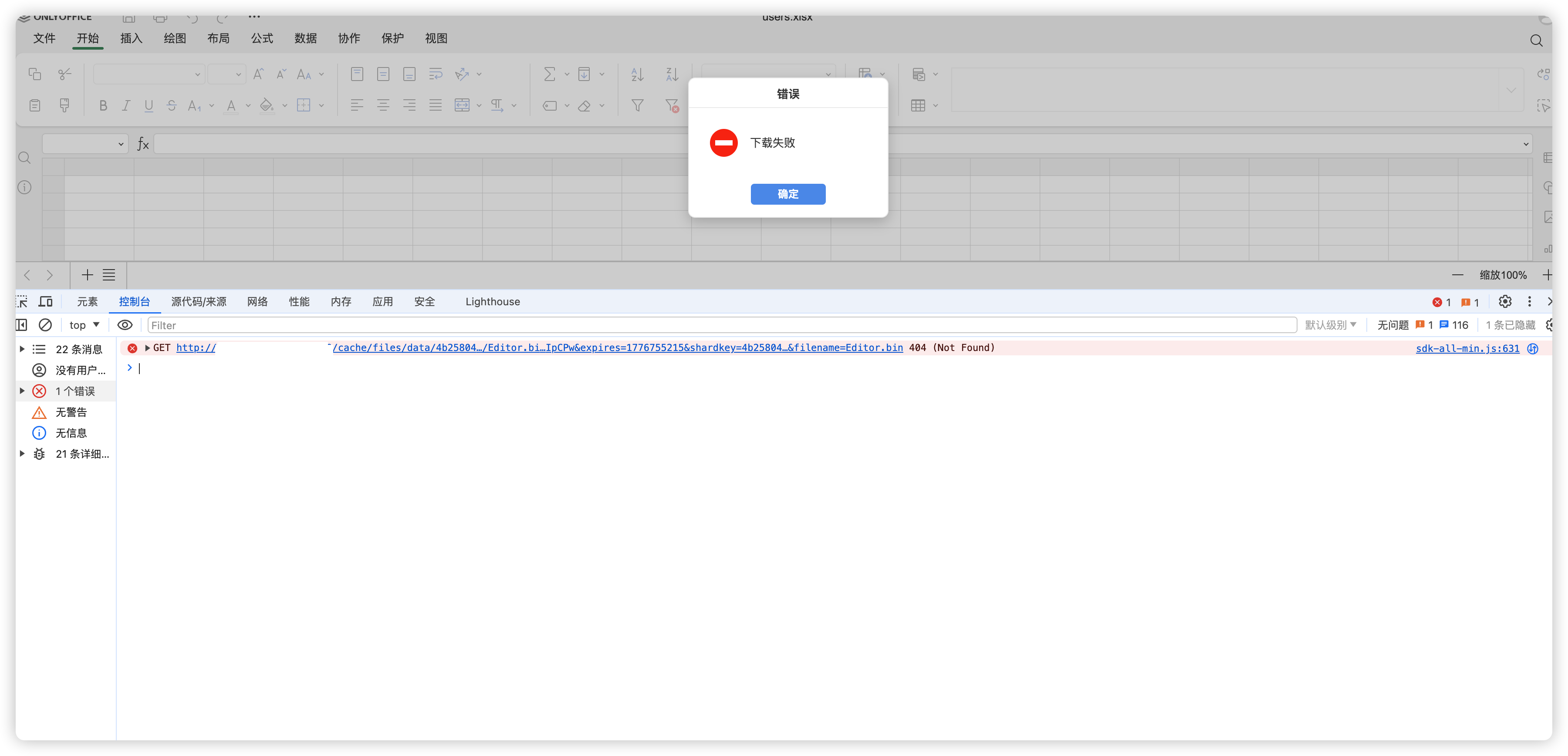
这样会报错: